
Introduction
Offering a care benefit and getting employees to actually use it are two very different challenges. A backup care program sitting unused in a benefits portal does nothing for the parent scrambling after a daycare closure or the employee coordinating care for an aging parent.
Care benefit enrollment covers more than traditional childcare. It includes backup care, elder care, dependent care, and broader family support. Many employees never enroll because they don't know the benefit exists, misunderstand who qualifies, or don't trust the process enough to try it.
This guide walks through how to identify enrollment barriers, build a communication plan employees actually read, simplify sign-up, reach different segments of your workforce, and measure progress beyond a completed form.
Key Takeaways
- Treat enrollment as a journey from awareness to first use—not a one-time open enrollment push.
- Communicate practical value with real scenarios, testimonials, and a clear next step.
- Reach parents, caregivers, frontline staff, and remote workers through tailored channels.
- Measure understanding and activation, not just form submissions.
Why Care Benefit Enrollment Matters
Caregiving isn't a fringe issue for a small slice of your workforce. 30.6% of employed adults provided care to a household or non-household member on an average day in 2023. Most expect that responsibility to last for years, not months.
The Real Cost of Unsupported Caregiving
When care falls through, work suffers. According to SHRM's Care and Careers report, unsupported caregiving shows up in hard numbers:
- 1.2 workdays missed per month on average among working caregivers
- $17.5 billion in lost wages every month across the workforce
- 42% said caregiving hindered career advancement; 14% changed jobs for lack of support
Why Offering the Benefit Isn't Enough
Many eligible employees never enroll because they:
- Don't identify as a "caregiver," even while handling school pickups or a parent's medical appointments
- Assume the benefit is unaffordable or limited to full-time childcare
- Misread eligibility as parents-of-young-children only
- Don't realize coverage includes elder care and other dependent care
32% of caregivers never disclose their status to their employer, so standard benefits emails often miss them entirely.
The Enrollment Funnel
Enrollment isn't a single step. It moves through five stages:
- Awareness – the employee knows the benefit exists
- Understanding – they know what's covered, who qualifies, and when to use it
- Confidence – they trust the provider, cost structure, and privacy protections
- Action – they complete a simple enrollment or request process
- Activation – they know how to make their first booking
A high completion rate at "action" can hide a gap at "activation." An employee who enrolled but never learned how to book care hasn't gained real support.
A short post-enrollment confidence check closes that gap before it becomes a retention issue. It also flags whether employees with disabilities, nontraditional family structures, or limited desk access are getting stuck.

Build an Enrollment Strategy Employees Can Understand and Trust
Before you draft enrollment copy, ground the plan in what your workforce already tells you.
Start With What You Already Know
Review prior enrollment data, HR support tickets, and survey feedback. Look for patterns: Do certain locations, shifts, or roles enroll at lower rates? That gap usually points to a communication or access problem, not a lack of interest.
Utilization still lags other benefits. Only 8% of organizations offering family-care benefits report high utilization, compared to 42% for flexible work and 40% for leave benefits, according to SHRM's Caregiving Imperative report.
Nearly half of HR professionals point to lack of awareness as the reason.
Answer Four Questions in Plain Language
Every piece of enrollment communication should answer:
- What care is available?
- Who is eligible?
- What does the employee pay?
- What should they do first?
Skip the jargon. If an employee can't answer these four questions after reading your email, rewrite it.
Make It Real With Scenarios
Abstract benefit descriptions don't stick. Specific situations do:
- A parent whose regular daycare cancels last minute
- An employee coordinating support for an aging parent living in another city
- A frontline worker whose shift changes weekly
- A remote employee who needs reliable care during a sudden workday disruption
Build enrollment messages around moments like these, then show the exact path to act. With Helpr, that path is already mapped to real care needs:
- Book backup care in the app
- Add a trusted family member or friend as a provider through patented My Choice technology
- Request help finding a longer-term arrangement through a care consultant
Build Trust Through Transparency
Employees won't act on a benefit they don't trust. Be upfront about:
- How providers are vetted and screened
- Privacy protections around caregiving disclosures
- Costs, subsidies, and copay structures
- Cancellation rules and provider availability
- Where to escalate if something goes wrong
Promote Enrollment Across the Employee Journey
Make Enrollment Visible Before, During, and After Open Enrollment
Enrollment shouldn't be a once-a-year event. Build a year-round calendar that covers each stage:
- Pre-enrollment education
- Launch messaging
- Deadline reminders
- Post-enrollment onboarding Tie communications to natural moments such as back-to-school, new-hire onboarding, and return-to-work, while making clear that care needs can arise any time. Short, recurring reminders beat one dense email that tries to cover everything at once.
Use Multiple Channels and Tailor Messages
Channel behavior is shifting fast. In Gallagher's 2023/24 survey, portal usage fell 46% while app usage rose 48%, and video usage climbed as posted materials declined, per Gallagher's State of the Sector report. Relying on a single channel, especially email, leaves gaps. Combine:
- Email and intranet content
- Manager briefings and team meetings
- Printed materials and QR codes for employees without desk access
- Text notifications where permitted Segment messages by status: eligible but unenrolled, enrolled but inactive, new hire, or nearing a deadline. Translate materials for language and literacy differences. Run an accessibility review on enrollment pages before launch.
Reduce Friction at the Point of Enrollment
Once people see the benefit, the next barrier is the path to sign up. Give employees one clear call to action that leads straight to enrollment, not a maze of benefits portal links. Pair it with a short checklist:
- Eligibility criteria
- Required information
- Cost or subsidy details
- Enrollment deadline and effective date
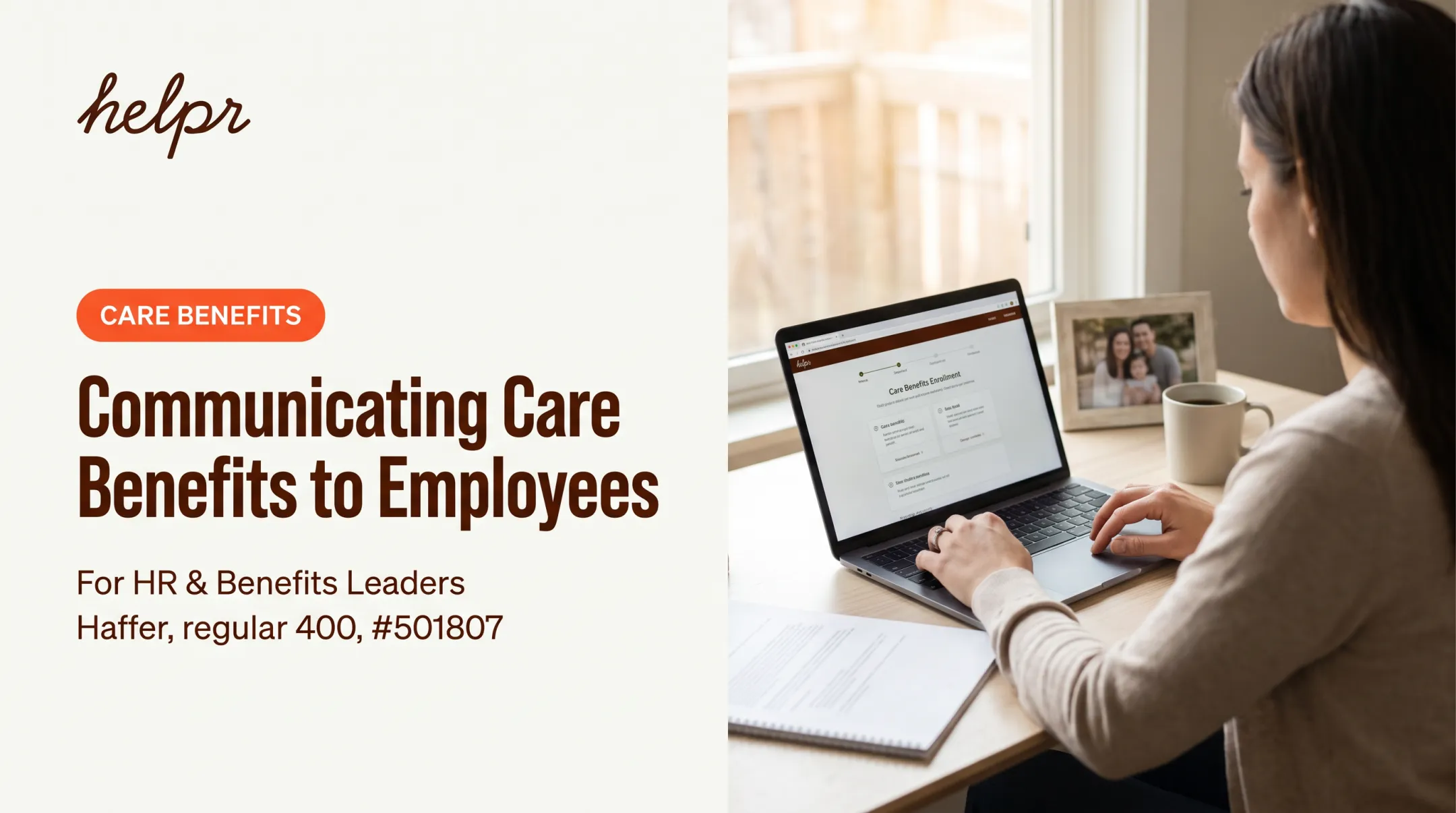
- Who to contact for help Screenshots or a short video showing exactly what employees will see after clicking through remove a lot of hesitation.
Use Social Proof and Trusted Messengers
Real employee voices carry more weight than benefits copy. Keep stories focused on the problem solved, not personal details. Helpr users have shared examples like finding elder care in a smaller city or securing a preferred caregiver when both parents work full-time. Put trusted messengers to work:
- Give managers and ERGs short talking points and approved links
- Offer a confidential channel for employees with situation-specific questions
Create a Simple Care Benefit Enrollment and Onboarding Experience
Map the entire path from first announcement to a completed care request. Look for where employees get stuck: unclear terms, repeated logins, missing eligibility info, or confusing cost structures.
Test Before You Launch
- Try the sign-up flow on different devices, including mobile
- Check it against different reading levels and languages
- Test with assistive technologies
A simple flow keeps friction low. Helpr's enrollment process lets employees enter a work email to find their company's benefit page, then complete a short intake before booking care or uploading a trusted provider.

Tell Employees What Happens Next
After enrollment, confirm:
- Enrollment status and effective date
- Account setup steps
- Support contacts
- How to make a first booking
Employees who understand covered care categories, provider availability, and booking lead times upfront are far less likely to abandon the process midway.
Pair that clarity with human support. Office hours, a help channel, or a benefits team escalation path catch employees who can't finish a fully digital process on their own.
Measure Enrollment and Improve the Program Over Time
Enrollment volume alone tells you almost nothing about whether the program is working. Break measurement into five layers:
| Stage | What to Track |
|---|---|
| Reach | % of eligible employees exposed to communications |
| Engagement | Email, intranet, or event activity |
| Enrollment | Eligible employees who complete sign-up |
| Activation | Employees who create an account or request care |
| Utilization | Care requests, bookings, or recurring use |
Find the Recurring Obstacles
Track what employees ask about most:
- Eligibility confusion
- Cost concerns
- Language barriers
- Uncertainty about care quality
SHRM identified cost concerns (32%) and limited understanding of how benefits work (24%) as top barriers to utilization. Check those themes against your own support tickets.
Compare results across work arrangement, shift, role, and location without exposing sensitive personal data. A gap between two locations usually means a communication or access problem, not a difference in interest.
Ask Employees Directly
Survey employees post-enrollment about clarity, confidence, and whether they actually know how to access care. MetLife found that 62% of employees weren't fully confident they knew all the benefits available to them — and those who were confident were 16% more likely to be engaged at work. That gap is worth closing.

Use what you learn before the next cycle:
- Revise confusing copy
- Move the call to action
- Add translations
- Retrain managers
Helpr’s mobile-first access and utilization visibility help you see where enrollment drops off—and fix those friction points before the next cycle.
Conclusion: Turn Enrollment Into the First Care Experience
Enrollment improves when employees see themselves in the messaging, understand the practical value, trust the provider behind it, and can take the next step without hunting through a portal.
Treat enrollment as the first care experience, not a form to clear. The same sequence works at any company size:
- Research the actual barriers
- Clarify the benefit in plain language
- Communicate year-round
- Use inclusive channels
- Simplify the sign-up flow
- Support the first use
- Measure confidence alongside completion
Review your current process. Would every eligible employee — hourly, remote, multilingual, or otherwise — find it easy to understand, enroll, and use on day one?
Frequently Asked Questions
What is driving care benefit enrollment?
Enrollment is shaped by perceived relevance, affordability, trust in the provider, clear eligibility information, and simple access. Timely communication from trusted messengers like managers also plays a major role.
How can employers increase enrollment in care benefits?
Use plain-language messaging across multiple channels, share employee stories, send targeted reminders, and equip managers with talking points. Most importantly, make the enrollment path itself low-friction.
What information do employees need before enrolling in a care benefit?
Employees need to know eligibility, covered care types, costs or subsidies, provider vetting standards, availability, deadlines, effective dates, and how to actually request care once enrolled.
Should care benefits be promoted only during open enrollment?
No. Year-round education, new-hire onboarding, and reminders tied to qualifying life events help employees understand and use care benefits outside the annual window, when care needs actually arise.
How should employers measure care benefit enrollment success?
Track reach, engagement, completed enrollment, activation, and utilization separately, along with employee confidence and feedback about barriers. Enrollment numbers alone don't show whether people can actually access care.
Does low enrollment mean employees don't value care benefits?
Not necessarily. Low numbers often signal weak awareness, unclear eligibility, or a high-friction signup process rather than lack of need. Fix those barriers and enrollment usually rises.