
This confusion is common. DCFSA reporting touches your employer's payroll records, your Form W-2, IRS Form 2441, and whatever documentation your care provider gave you. The exact treatment depends on your specific situation and current IRS rules, so this guide walks through the practical steps: identifying the forms, verifying eligible expenses, reconciling benefits with your return, keeping the right records, and fixing mistakes when they happen.
Key Takeaways
- A DCFSA can affect your tax return even if you never received a separate check from the account.
- Form 2441 is required for anyone who received employer dependent care benefits, not just credit claimants.
- The same care expense generally can't be used for both DCFSA reimbursement and the dependent care tax credit.
- Provider receipts and tax ID information should be kept with your records, not mailed to the IRS.
Which Dependent Care FSA Tax Forms Do You Need?
Several documents come into play, and they don't all go to the same place. Here's what each one actually does:
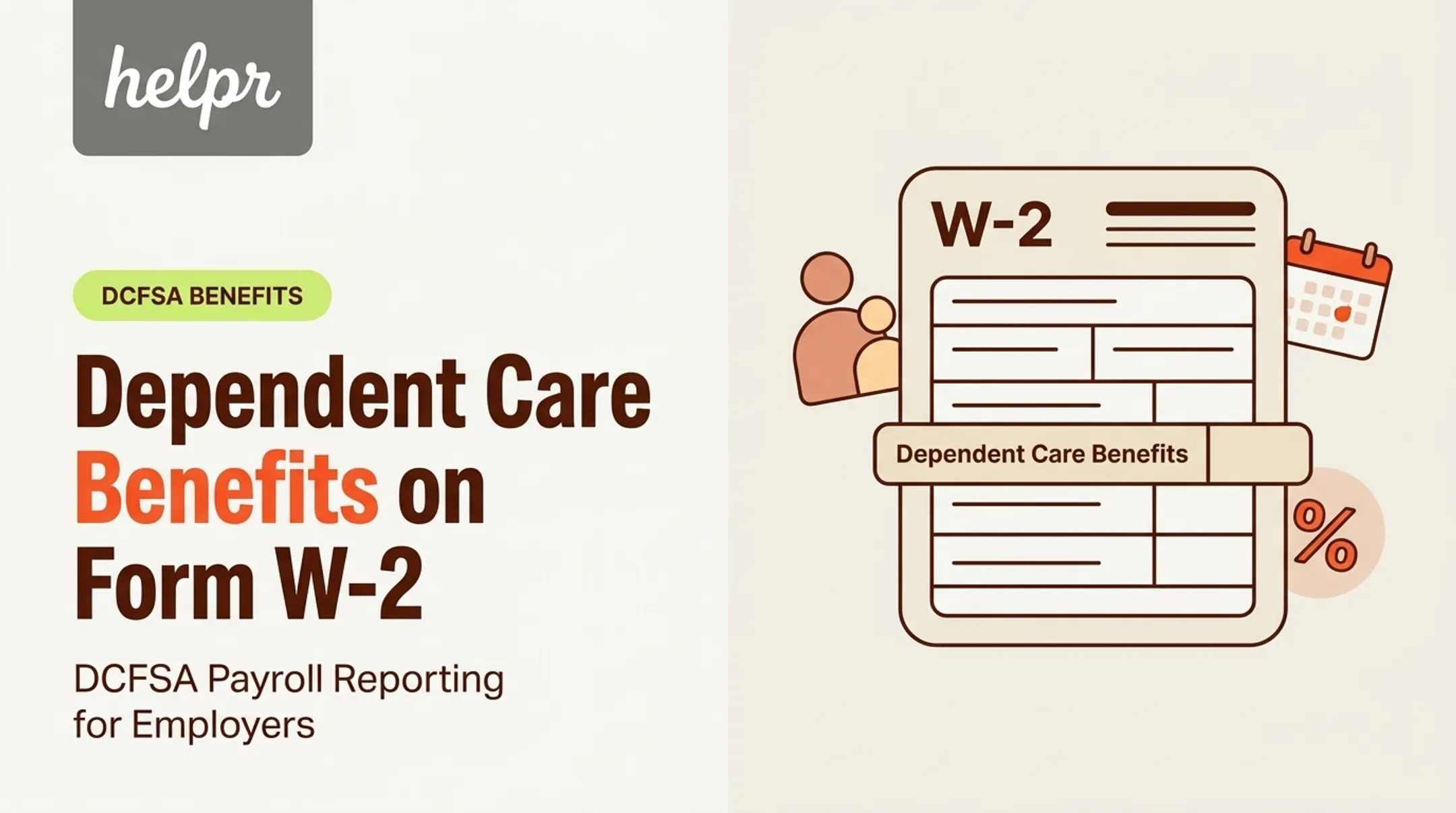
- Form W-2 (from your employer): Reports the dependent care benefits your employer paid or set aside, including pre-tax payroll contributions.
- Form 2441 (filed with your federal return): Calculates the excludable benefit amount and any remaining Child and Dependent Care Credit eligibility.
- Form 1040: Where any taxable portion of your benefits ultimately lands.
- DCFSA claim forms and reimbursement statements (from your plan administrator): Used to get reimbursed, not filed with the IRS.
- Care-provider records: Kept for your own files in case of an audit or discrepancy.

Dependent care benefits generally show up in Box 10 on your W-2. According to the IRS instructions for Forms W-2 and W-3, this includes Section 125 cafeteria-plan amounts, and any benefit over the federal exclusion limit is added to your taxable wages.
Always check the current-year form instructions, since box numbers and limits can shift year to year.
When Form 2441 Becomes Necessary
You'll need Form 2441 if:
- You received any dependent care benefits through your employer during the year.
- You're claiming the Child and Dependent Care Credit for out-of-pocket expenses.
- You have leftover eligible expenses after your DCFSA benefits are accounted for.
Receiving benefits alone triggers the Form 2441 requirement, even if you never claim a credit.
A Simple Reporting Timeline
Here's roughly how the year unfolds:
- Make your DCFSA election during open enrollment.
- Incur and document eligible care throughout the year.
- Submit claims to your FSA administrator with supporting receipts.
- Receive your W-2 early the following year.
- Reconcile benefits on Form 2441 when you file.
- Retain records after filing in case questions arise later.
One caution: plan administrators often issue their own year-end summaries or claim statements. These are helpful, but they aren't IRS forms. Compare them against your W-2 and payroll records rather than assuming they're interchangeable.
Helpr users can pull DCFSA booking receipts directly from the app for debit-card charges or submitted claims. That makes it easier to gather the documentation your administrator needs for reimbursement.
How to Report DCFSA Benefits and Coordinate Form 2441
Form 2441 has three parts, and Part III is the one that deals specifically with employer-provided dependent care benefits. Here's the basic workflow:
- Identify your qualifying person(s). Usually a dependent child under 13, or a spouse or other dependent who can't care for themselves and lived with you more than half the year.
- List your care providers with their name, address, and taxpayer ID information.
- Report total eligible expenses paid during the year.
- Enter your employer-provided benefits from Box 10 of your W-2.
- Calculate the excludable amount and determine if any taxable benefit or remaining credit applies.

What Counts as a Work-Related Expense
Care must enable you (or your spouse, if filing jointly) to work or actively look for work. Both spouses generally need earned income for the expense to qualify.
In practice, this means after-school programming that bridges the gap until your workday ends typically qualifies. Weekend babysitting for a date night doesn't, since it isn't tied to enabling work.
No Double-Dipping
This is where a lot of people get tripped up. Per IRS Publication 503, expenses reimbursed through a dependent care assistance program cannot also be counted toward the Child and Dependent Care Credit.
If your DCFSA covered $4,000 of care, that $4,000 is off the table for credit purposes. Only remaining unreimbursed eligible expenses (subject to current-year credit limits) could still qualify.
Provider Information You'll Need
Form 2441 asks for:
- Provider's name and address
- Taxpayer identification number (SSN/ITIN for individuals, EIN for organizations)
- Total amount paid during the year
- Whether the provider was a household employee
If a provider won't share their TIN, the instructions allow you to note "See Attached Statement" and explain your attempt to obtain it, showing due diligence rather than simply omitting the information.
A Quick Hypothetical
Say a family incurs $6,000 in eligible after-school care for one qualifying child. Their DCFSA reimburses $5,000 of that (the current federal exclusion limit for 2025).
They'd report the $5,000 in benefits on Form 2441. The remaining $1,000 in unreimbursed expenses might still qualify for the credit, subject to that year's expense ceiling and their circumstances.
This example is illustrative only. Actual outcomes depend on current-year IRS limits and individual facts, so verify against the instructions for the tax year you're filing.
What Records and Receipts Should You Keep?
Two different kinds of documentation matter here, and they're not the same thing.
Claim substantiation is what your FSA administrator wants to release reimbursement. Tax records are what you'd need if the IRS ever questioned your return, sometimes years later.
Keep the same core details for both your claim file and your tax file:
- Care recipient's name
- Provider's name and contact details
- Provider's tax ID information (when required)
- Service dates
- Type of care provided
- Amount charged
- Payment date and proof of payment
Why a Bank Statement Isn't Enough
A credit card charge shows that money moved. It doesn't show what the money paid for. If your DCFSA claim or your tax file only has a bank statement, you're missing the service dates, the provider's identity, and confirmation that the care was eligible. Keep an itemized invoice, signed provider statement, or your administrator's approved documentation instead.
Receipt requirements vary by plan administrator. Claims can be rejected or delayed if a receipt is missing the service period, provider name, care recipient, or dollar amount.
After a Helpr sitter appointment, a receipt is emailed automatically to the account holder, which helps close that gap quickly.
How Long to Keep Records
The IRS generally recommends retaining records for three years from filing, though longer periods apply in specific situations, such as substantial unreported income. Check your employer's plan documents too, since some administrators have their own retention expectations for claim substantiation.
Special Situations Worth Flagging
A few arrangements carry extra rules:
- Payments to relatives (aunts, uncles, grandparents) can qualify, but payments to your spouse, your dependent, your child under 19, or the parent of your qualifying child generally don't.
- Hiring someone to work in your home may make them a household employee and trigger Social Security, Medicare, and FUTA taxes.
- Cash payments still need documentation. "I paid Grandma $200" isn't sufficient without a record showing dates, amount, and purpose.
Confirm eligibility under both your plan rules and IRS dependent care rules before you submit any of these claims.
Common Reporting Mistakes and Corrections
Most DCFSA tax errors fall into a handful of predictable categories.
Frequent mistakes:
- Treating the full W-2 Box 10 amount as taxable wages instead of running it through Form 2441 first
- Skipping Form 2441 entirely because benefits came through payroll automatically
- Claiming the same care expense for both DCFSA reimbursement and the tax credit
- Submitting educational or purely recreational costs that don't meet the work-related test
- Leaving provider information incomplete instead of documenting a due-diligence attempt

Fixing a W-2 Discrepancy
If your W-2 doesn't match your payroll records or DCFSA statements:
- Compare all year-end documents side by side first.
- Contact your employer or payroll team to flag the discrepancy.
- Request a corrected Form W-2c if the employer confirms an error.
- Never alter an IRS form yourself without professional guidance.
When Claims Fall Through
Denied claims, missing receipts, lower-than-expected expenses, or unused funds after you leave a job follow your plan's claim-submission and run-out rules—not a universal IRS deadline. Check your plan documents for grace periods or forfeiture terms.
A Note for Employers
Confusion often starts with unclear plan communication. Coordinated payroll data, accessible support resources, and straightforward claim processes reduce the back-and-forth employees face at tax time.
Helpr's dependent care benefit tools, including DCFSA-connected care payments, pair subsidized and out-of-pocket care with substantiation in one flow. That can ease administrative friction, though it doesn't replace the tax reporting steps above.
If your situation involves married filing separately, self-employment, custody arrangements, a disabled dependent, household employment, or an amended return, consult a qualified tax professional.
Frequently Asked Questions
Do you have to report dependent care FSA on taxes?
Yes. Benefits appear on your W-2, and you typically file Form 2441 to confirm the excludable amount. Whether you owe more tax depends on your benefits and expenses, so check current IRS rules for your filing year.
How do you claim dependent care FSA expenses?
You submit a claim to your plan administrator with receipts or provider statements showing the care was work-related and eligible. Claims must be submitted within your plan's deadlines, which vary by employer.
What are the IRS rules for dependent care FSA?
Care must be for a qualifying person and enable you (and your spouse, if applicable) to work. You generally can't use the same reimbursed expense for the dependent care tax credit. Confirm current contribution limits before you file.
Do I need receipts for dependent care FSA claims?
Most administrators require receipts or equivalent documentation showing the provider's name, service dates, care recipient, and amount charged. A bank statement alone usually isn't sufficient proof.
Can you get a refund from a dependent care FSA?
A DCFSA reimburses eligible expenses you've already paid rather than issuing an open refund. Unused funds and any grace period or forfeiture rules depend entirely on your specific plan's design.