
Introduction
Your nanny texts at 6:45 a.m.: she's running a fever and can't come in today. You have a 9 a.m. client call, no backup plan, and a toddler who just woke up.
Working parents struggle with this exact disruption more often than most employers realize. A 2024 Chicago Fed analysis found the number of parents affected by childcare disruptions was 19% higher between April 2022 and March 2024 than in the two years before the pandemic.
Backup care fills that gap. It is short-term coverage you activate when your regular nanny or in-home arrangement falls through—so one sick day does not derail your whole workday.
This guide explains how backup care works, how to build a plan before you need one, how to vet a safe and reliable provider, and how U.S. employers are adding this coverage to family-care benefits.
Key Takeaways
- Backup care covers nanny absences, sick-child days, school closures, and last-minute schedule conflicts
- In-home options preserve a child's routine, but screening, illness rules, and emergency procedures vary by provider
- A written care guide and a pre-set contact order make transitions less stressful
- Employers increasingly offer backup care to reduce absenteeism and support retention
What Is Backup Care for a Nanny or In-Home Need?
Backup care is temporary childcare for the days your regular plan falls through—when your nanny calls out, a center closes, or the usual arrangement simply doesn't fit. It is day-of or short-term coverage, not a search for a permanent nanny.
A full-time nanny is your ongoing primary arrangement. Backup care fills the gaps around it, more like insurance for your childcare plan than a replacement for it.
Two Common Formats
Most programs deliver care in one of two ways:
- In-home care — a vetted caregiver comes to your house and follows your child's routine, meals, and nap schedule
- Center-based or partner-site care — your child goes to an approved facility, which works well when they're comfortable in group settings
The Typical Booking Journey
Programs usually follow a similar flow, even when the details differ:
- Register and build a family profile with your child's basic information
- Submit a care request for a specific date, time, and location
- Confirm caregiver availability and share care instructions
- Receive care, then leave feedback afterward

Policy Details Vary by Provider
Don't assume one provider's rules apply everywhere. Booking windows, minimums, and illness policies differ widely:
| Policy Area | Example (Care.com CareBenefits) |
|---|---|
| Booking window | In-home up to 90 days ahead; urgent requests need 3 hours' notice |
| Minimum hours | 4-hour minimum for in-home care |
| Cancellation | About $30 if canceled within 48 hours |
| Age range | Generally covers children through age 15 |
| Mild illness | Low fever, runny nose, or mild cough may qualify; 100°F+ usually excludes care |
Source: Care.com CareBenefits FAQ
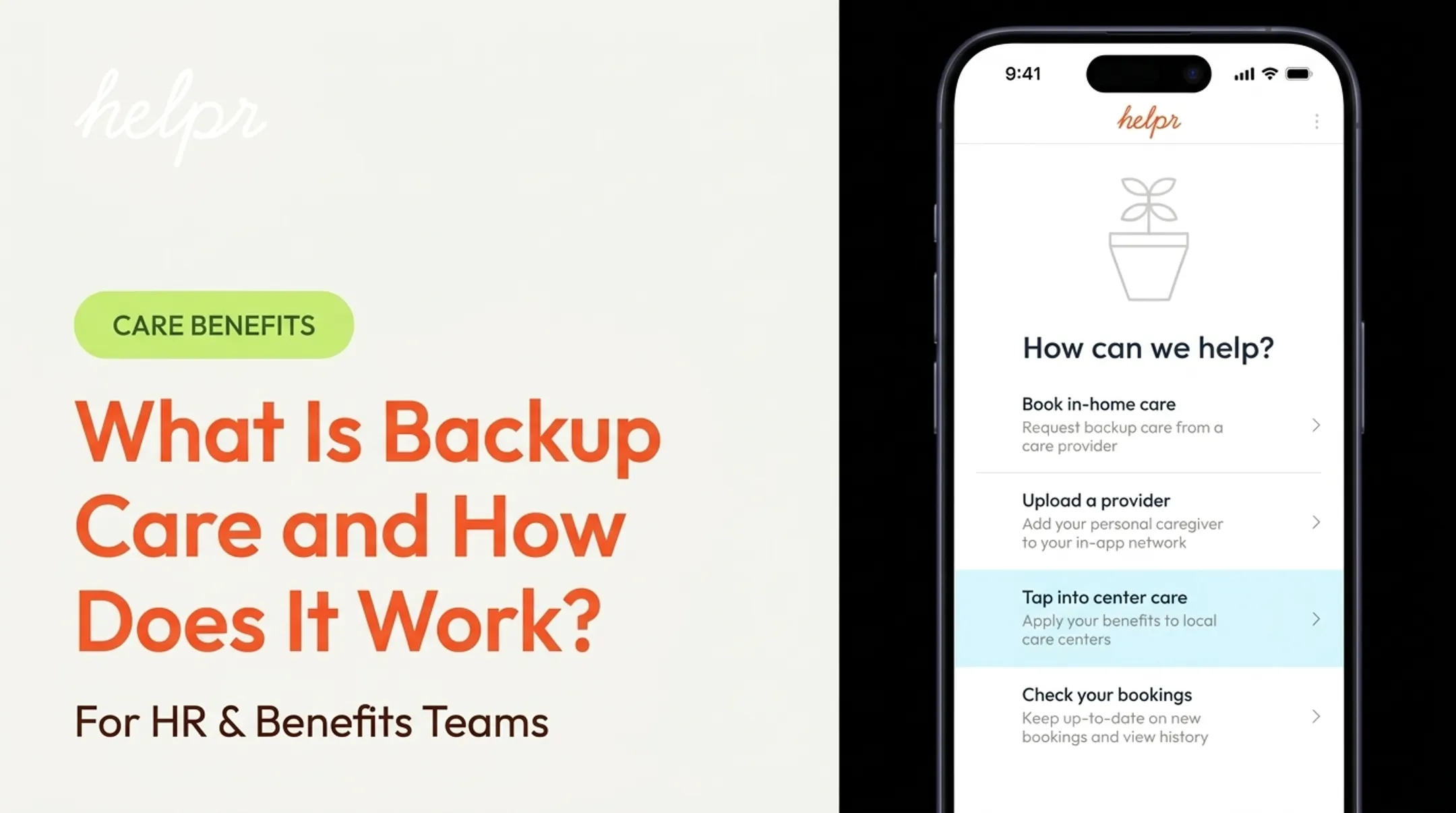
Helpr focuses backup care on one-off bookings (not long-term placement), with requests available up to three months ahead, a four-hour minimum, and a typical $5/hour copay for Network sitters on employer-sponsored plans. Its Care Finder is a separate free tool when you need a recurring nanny instead of a single day of coverage.
Confirm your program's rules before you need care urgently—not after.
When Might You Need Backup Care?
Backup care needs generally fall into two buckets: your nanny is unavailable, or your child can't attend their usual setting.
Nanny-Related Situations
- Sudden illness or a family emergency on the caregiver's end
- Planned time off, including vacation or jury duty
- Travel that keeps your nanny away for multiple days
- A nanny who has given notice before you've found a replacement
Last-minute replacement sitters are hard to find. Without a backup option already in place, families often scramble—and may end up with no coverage at all.
Child-Related Situations
In-home backup care often makes sense when a child can't attend school or daycare because of:
- Illness (the child's, not just the nanny's)
- A facility closure, holiday, or teacher planning day
- A schedule mismatch between school hours and your work hours
Household and Work Disruptions
Work and household changes can open a coverage gap just as fast:
- An unexpected meeting or shift change
- Business travel
- A spouse's or co-parent's absence
One caution: don't assume you can work a full day while also serving as your child's primary caregiver. Even a one- to two-hour booking can protect an eight-hour workday by removing that split focus.
Whatever triggers the booking, always follow your child's school, daycare, and provider policies on contagious illness and medication before care starts.
How to Build a Reliable Backup Care Plan
The best time to build a backup plan is before you need it, not during a 6 a.m. crisis.
Create a Layered Contact List
List your options in the order you'd try them:
- Your regular nanny (for schedule changes, not illness)
- Co-parent or another household adult
- Relatives or trusted friends nearby
- A professional backup-care provider
- Workplace-sponsored resources

Write a Household Care Guide Now
The American Academy of Pediatrics recommends leaving any caregiver a clear reference sheet. Based on its babysitting safety checklist, include:
- Emergency contacts, home address, and Poison Help (1-800-222-1222)
- Allergies, medications, and specific permission boundaries for food and medicine
- Daily schedule, comfort strategies, and school contacts
- Home-entry instructions, pet notes, and house rules
Talk to Your Regular Nanny First
Agree in advance on how much notice they'll give when possible, who they should contact, and how handoffs will work. Respect their privacy. Don't ask a sick nanny to push through a shift just to avoid a gap. Your backup plan should protect their well-being too.
Register and Test the System Early
Sign up with your employer-sponsored or professional backup program before an emergency hits. Complete identity verification and consent forms while things are calm. If possible, book a low-pressure introductory session so your child meets an unfamiliar caregiver under normal circumstances, not during a crisis.
Keep a last-minute checklist ready:
- Date and hours needed
- Child's age and care needs
- Location and access instructions
- Illness status
- Contingency plan if the booking falls through
How to Evaluate Safety, Quality, and Fit
Safety, quality, and fit all start with the same habit: ask specific questions before you book, not after. Screening standards vary by state and provider, so treat every booking like a short interview.
Questions to Ask Every Provider
- What background checks are completed, and on which adults?
- Is identity verification done in real time?
- Are references contacted directly?
- Is current CPR or first aid certification required?
- What's the process if I have a concern about a caregiver?
Child Care Aware of America notes that background-check rules differ by state, and families should ask whether every adult with access to their child — not just the primary caregiver — has been checked. For unlicensed care, request proof of a completed criminal-history check directly.
Helpr's screening for in-home providers includes:
- Virtual interviews
- Real-time identity and criminal background checks
- Direct reference contact
- Social-media review
All Helpr in-home providers carry current CPR certification. Helpr does not independently verify every resume detail, so your own direct questions still matter.
In-Home vs. Center-Based: Which Fits?
| Factor | In-Home Care | Center-Based Care |
|---|---|---|
| Routine | Preserves child's normal schedule | May disrupt nap/meal timing |
| Transport | None needed | Requires drop-off/pickup |
| Environment | One-on-one, familiar setting | Staffed, group setting |
| Best for | Younger children, slow-to-warm temperaments | Kids comfortable in group care |

Confirm Before You Book
- Confirm earliest request time and expected arrival window
- Ask about minimum booking length and what happens if a caregiver cancels
- Review cancellation fees and policies in writing
- Check whether mild illness or extra care needs are covered
The Handoff Matters
On arrival, run a quick handoff:
- Verify the caregiver's identity
- Walk through your care guide
- Point out emergency exits and supplies
- Confirm how and when you'll get updates
For children slow to warm up to new faces, a short overlap period helps. After the visit, note what worked, report concerns promptly, and request the same caregiver again when the program allows it — continuity builds fast when you do.
How Employers Can Support Nanny and In-Home Backup Needs
Employees without reliable backup care often turn to unpaid leave, improvised arrangements, or last-minute cancellations. Each option costs the employee income or goodwill—and costs the business lost coverage, delayed work, and weaker retention.
What to Compare When Evaluating a Program
When shortlisting a backup-care benefit, compare:
- In-home vs. center-based options, and whether both are included
- Childcare and dependent-care (eldercare) coverage together
- Booking support and provider vetting standards
- Employee subsidies, copays, and use-based vs. flat pricing
- Geographic reach and accessibility across all employee levels
The Business Case
A BCG and Moms First analysis of five companies found 90% to 425% ROI on childcare benefits. UPS reported avoiding an average of three employee absences per day during a backup-care pilot. Up to 86% of surveyed employees said the benefit made them more likely to stay with their employer.

Those retention and attendance gains are why the comparison points above matter when you choose a provider.
How Helpr Fits Into This Picture
Helpr is an enterprise family-care platform built around its patented My Choice technology, a mobile-first system that lets employees book and pay for backup care—including relatives, neighbors, or other familiar caregivers—in one app.
Employers use a use-based payment model: you pay for care actually used, not a flat fee regardless of uptake. Helpr focuses on accessible, equitable coverage across roles and locations rather than limiting the benefit to senior staff. Availability, eligibility, and pricing follow each employer's selected program, so employees should confirm details in their benefits portal.
Rolling Out the Benefit Well
Employers introducing this benefit should provide:
- Plain-language eligibility guidance (who qualifies, how many days, what it costs)
- Real nanny-related use cases so employees understand when to use it
- Onboarding support during enrollment, not just a policy document
- A feedback channel so the program improves based on actual use
Frequently Asked Questions
How does backup childcare work?
Employees or families request temporary care when their normal arrangement falls through. Exact options, booking windows, and costs vary by provider or employer program, so check your specific plan.
Is $20 an hour for a nanny good?
It depends heavily on location, experience, number of children, and whether it's regular or short-notice work. National advertised rates in 2024 often averaged about $20–$21 per hour for full-time nanny care, so $20 is competitive in many markets but low in higher cost-of-living areas.
What happens if my nanny calls out at the last minute?
Follow your prearranged backup sequence: try household contacts first, then a professional provider if needed. Share your household care guide and emergency information with whoever steps in.
Is in-home backup care safe for children?
Safety depends on the specific provider's screening, identity verification, and handoff procedures, not a universal industry standard. Ask about background checks, CPR certification, and illness policies before booking, and review the program's terms carefully.
Can backup care be used when a child is sick?
Policies differ significantly by provider and by symptom. Some programs allow mild symptoms like a low fever or runny nose for in-home care but exclude contagious illness. Confirm your provider's illness and medication rules before you need them.